Turn any image into clean, scalable SVG
VectorKit vectorizes raster images into crisp, infinitely-scalable vectors in seconds. Drop an image, fine-tune with live presets, and export production-ready SVG — all on your Mac.
100% free · No account · Powered by the VTracer engine
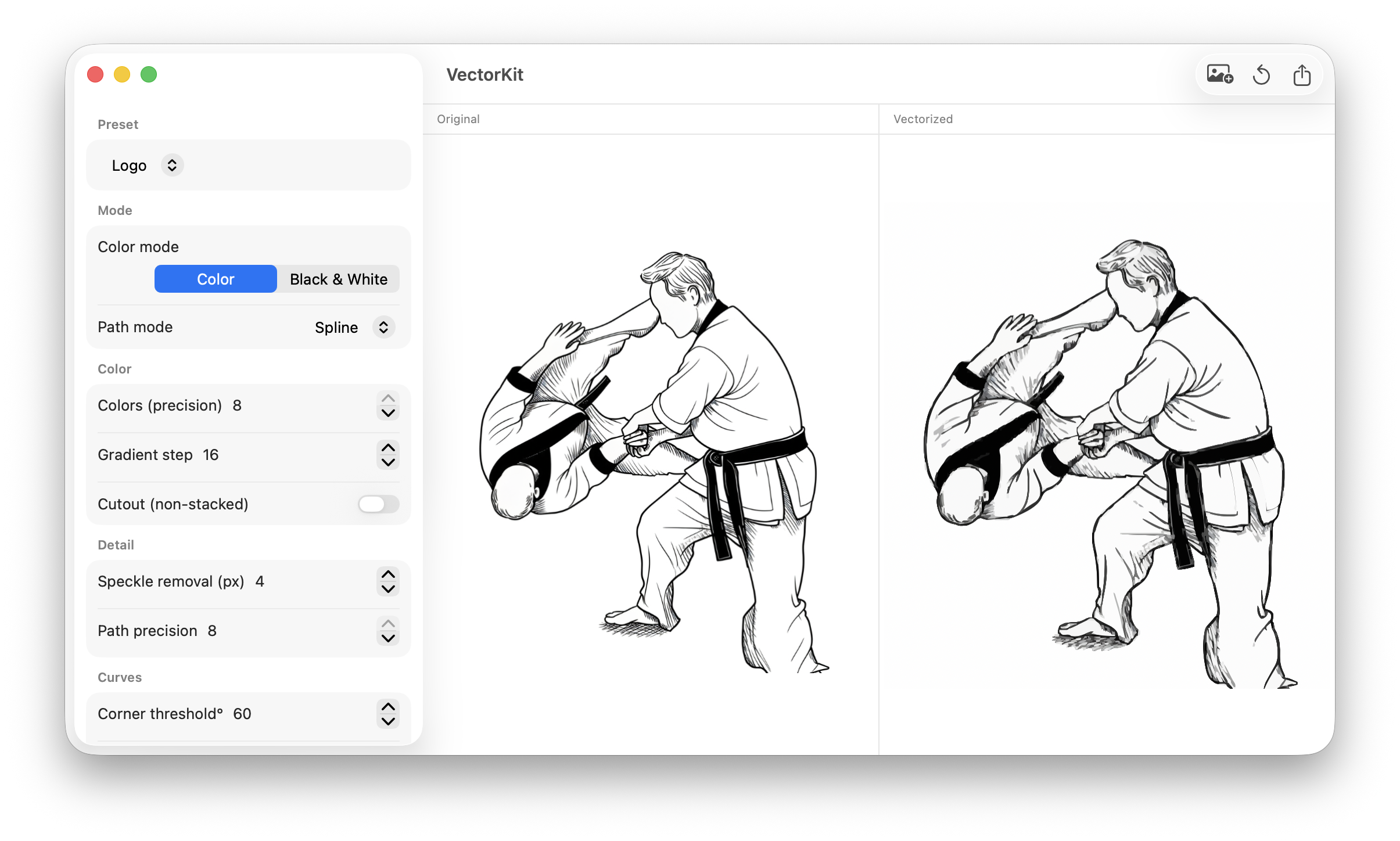
From pixels to paths in three steps
No tracing by hand. No subscriptions. Just drop, tune, and export.
Drop your image
Drag in a PNG, JPEG, HEIC or TIFF — or hit Open Image. The original appears instantly.
Vectorize live
VTracer traces it into clean paths automatically. Pick a preset or tweak the sliders — the preview updates as you go.
Export SVG
Get a crisp, resolution-independent SVG with transparent or white background. Ready for the web, print, or design tools.
Everything you need to trace it right
Powerful defaults for quick wins, deep controls when you want them.
5 smart presets
Logo, Icon, Illustration, Photo, and Black & White — dialed in for each kind of image. One click and you're close.
Live preview
Side-by-side original and SVG. Tweaks are debounced and in-flight runs cancel, so it always feels instant.
Fine-grained control
Color precision, curve mode, speckle removal, corner & splice thresholds, path precision — tune every detail.
Color or B&W
Layered color tracing, or threshold-based black & white binarization for clean, single-tone output.
Background, your way
Export transparent, or inject a clean white background — handled automatically on export.
Native & private
100% on-device, sandboxed macOS app. No uploads, no account, no cloud. Your images never leave your Mac.
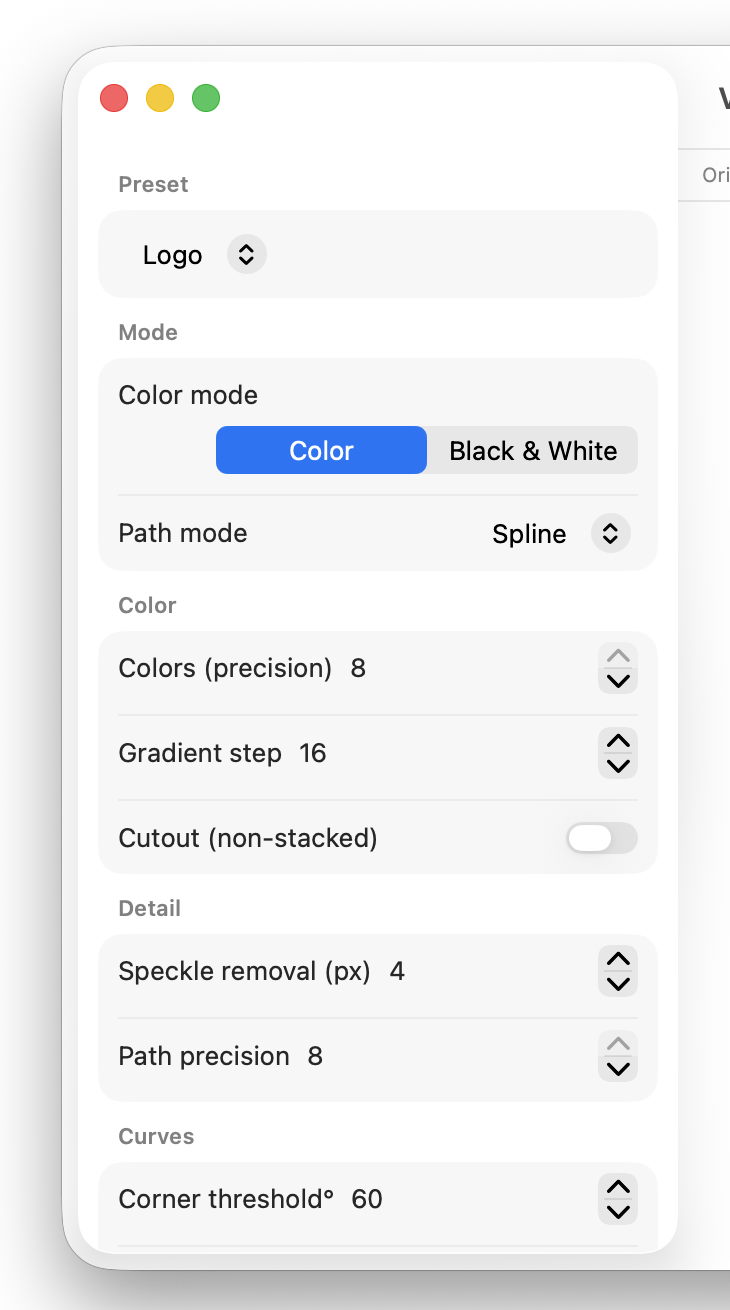
Dial in the perfect trace
Start from a preset, then nudge color precision, curve fitting, and speckle removal until it's exactly right. VectorKit re-traces in the background as you move — no waiting, no guessing.
- Pixel · Polygon · Spline curve modes
- Adjustable color precision & gradient step
- Speckle removal and corner thresholds
Pixels blur. Vectors don't.
Same image, infinite resolution. Scale it to a billboard without a single jagged edge.
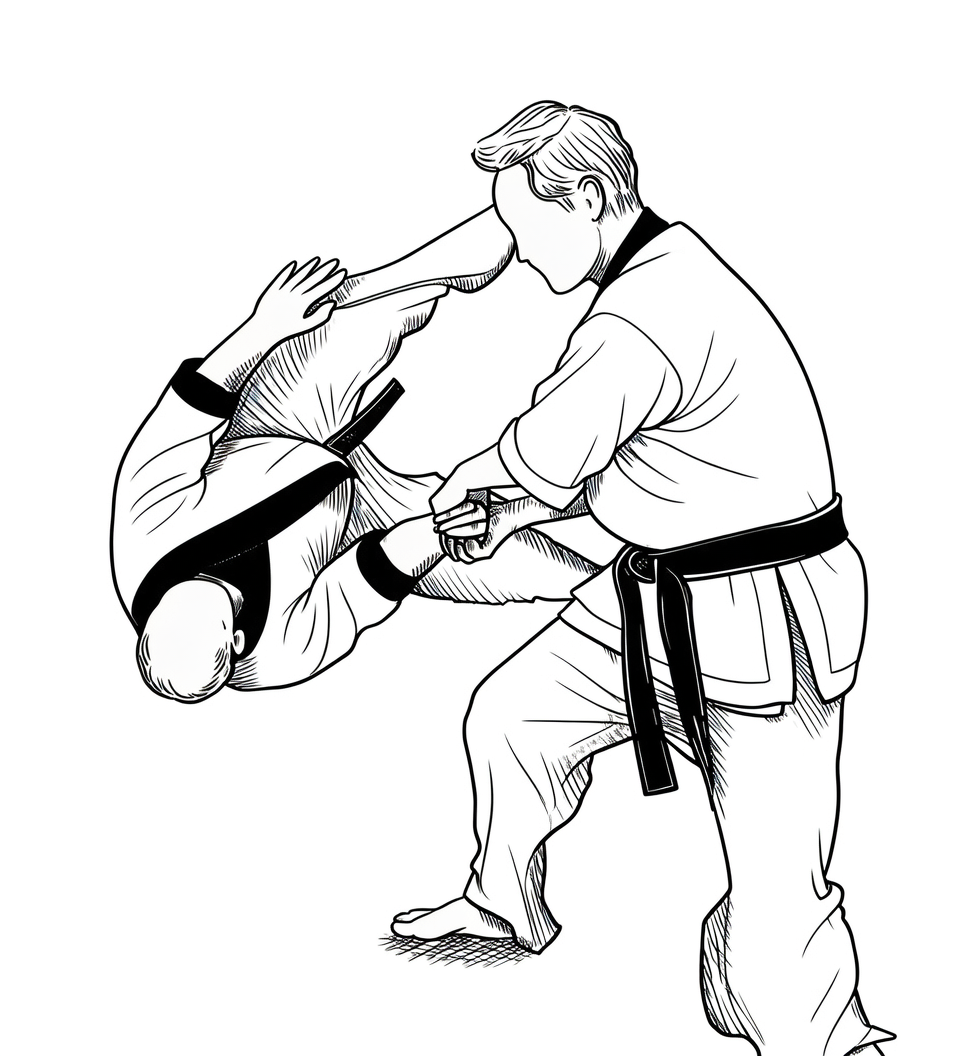
Drag to compare — zoom in and the SVG stays razor sharp.
Start vectorizing in seconds
VectorKit is completely free. If it saves you time, you can always buy me a coffee — but you never have to.